High-stakes moments
When the question lands, it is hard to search your memory and stay present at the same time.
Private assistance for important conversations
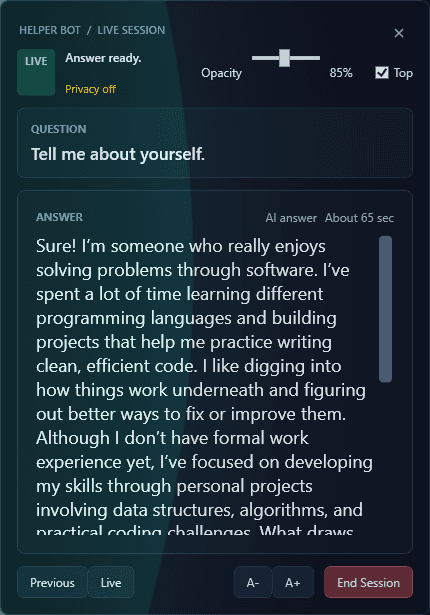
Helper Bot detects questions and prepares context-aware response suggestions from your saved experience, documents, and prepared answers.
Built for Windows
Important setup requirement
The current Helper Bot beta requires your own Azure Speech credentials and OpenAI API key. Azure Speech offers a limited free tier; OpenAI API prepaid credits currently start at US$5, and usage consumes that credit. Provider pricing, quotas, availability, and policies may change.
A ChatGPT subscription does not include OpenAI API usage. Users are responsible for any third-party usage charges.
Create and manage these credentials directly with Microsoft and OpenAI, then enter them inside the Helper Bot Windows app. Never submit API keys through this website or the feedback form.
The problem
When the question lands, it is hard to search your memory and stay present at the same time.
Your useful experience and careful prep are often split between notes, documents, and past conversations.
Generic prompts miss the experience, language, and details that make a response genuinely yours.
How it works
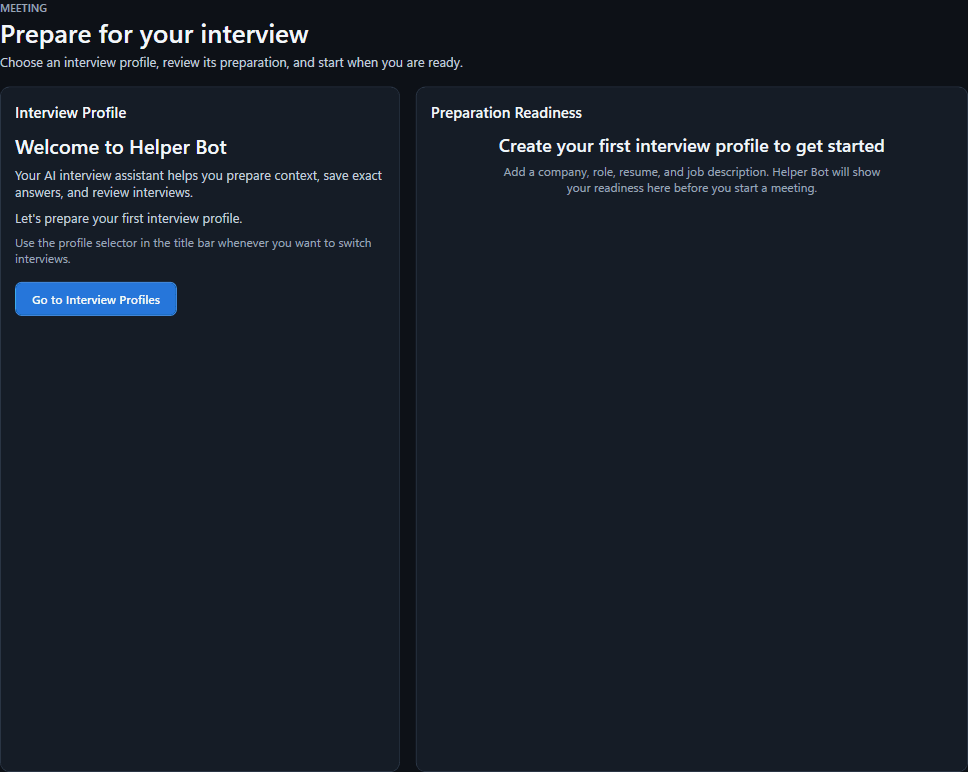
Set up a focused space for a role, client, or kind of conversation.
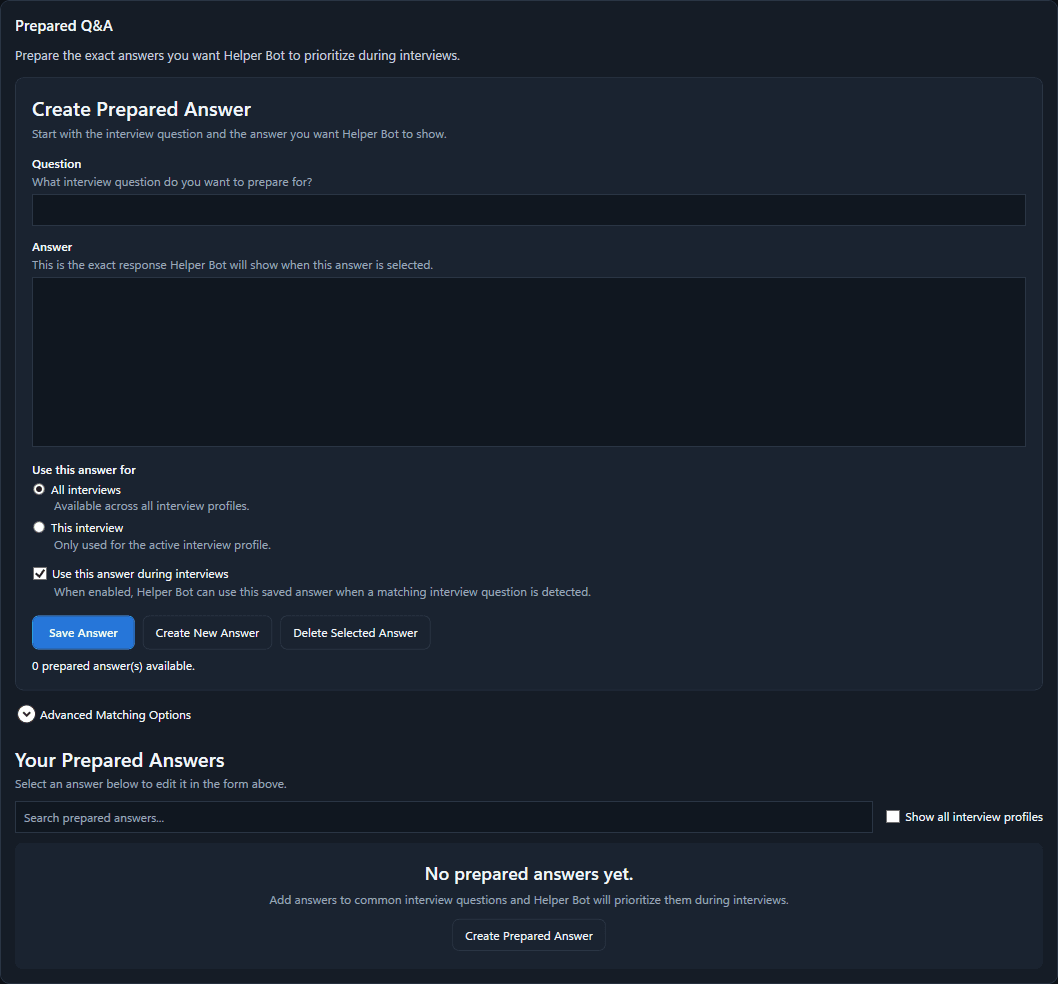
Bring together prepared answers, experience, and supporting documents.
Choose when Helper Bot is active for an important conversation.
See a relevant prepared answer or context-aware response suggestion.
Product preview
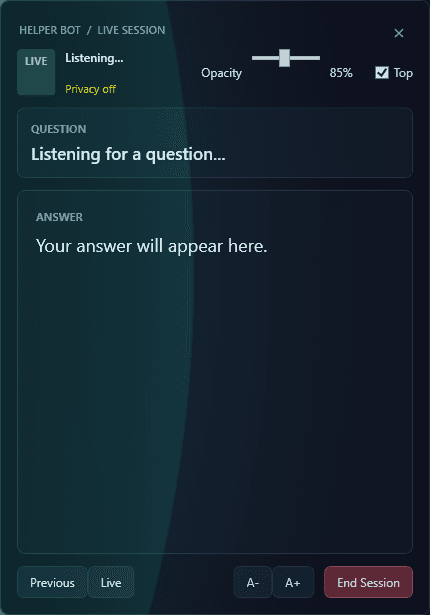
A focused workspace keeps the active conversation, relevant prepared answers, and your chosen context in one calm view.
Features
Helper Bot looks for questions from other participants so you can focus on the conversation.
Surface the answer you have already prepared when it best fits the question.
Use the context you choose to inform a response suggestion when a prepared answer is not enough.
Keep distinct roles, clients, and conversation types separated.
Use the flow of the current conversation to help keep suggestions relevant.
Choose when the app is active and manage the information you import.
Use cases
Bring your experience and examples into the room without losing your voice.
Download betaKeep known fixes and technical context close when you need them.
Download betaStay ready with customer context, positioning, and thoughtful responses.
Download betaHandle pivotal questions with the context you prepared beforehand.
Download betaPrivacy
Designed with meaningful choices

FAQ
Helper Bot is a Windows desktop application in development for helping users prepare and respond during important professional conversations.
It can prioritize relevant prepared answers and use the context you choose to inform a response suggestion.
The product is designed to exclude microphone speech from question matching. Its exact session behaviour will be made clear as launch details are finalized.
Compatibility details are still being finalized. Helper Bot is being developed to support professional conversations on Windows.
No. Prepared answers are considered first when they are relevant; context-aware generation can help when an additional suggestion is useful.
Yes. Prepared answers and imported context are a core part of the product direction.
The initial application is being developed for Windows. macOS availability has not been announced.
The Windows private beta is available from the download page. Future update details will be shared as they are finalized.